Webiny CLI Overview
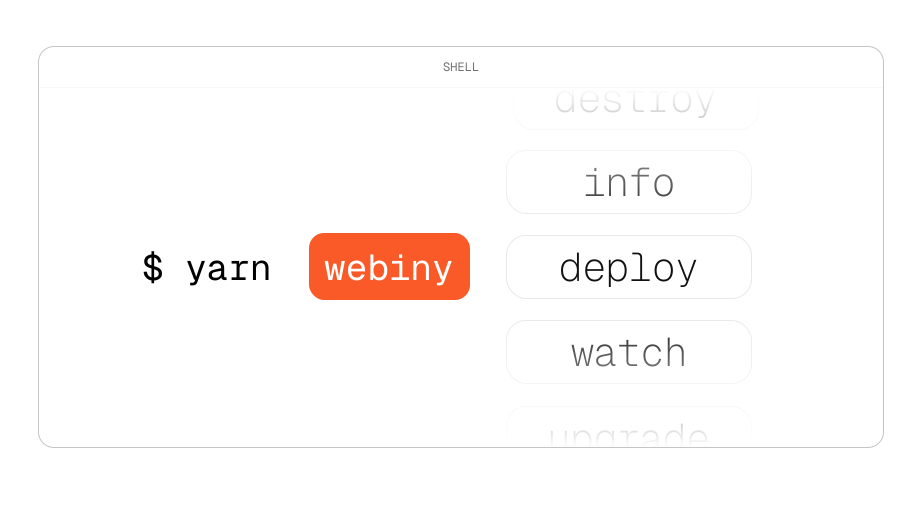
The Webiny Command Line Interface (CLI) is a powerful tool that allows you to manage and interact with your Webiny projects directly from the terminal. In this lesson, we will provide an overview of the Webiny CLI and the key commands you can use to work with your Webiny projects.
In this lesson...
Here are the topics we'll cover
Introduction to the Webiny CLI.
Key commands for managing Webiny projects.
Introduction to the Webiny CLI
To access the Webiny CLI, go inside your Webiny project. In case of this course that's the learn-webiny-course folder you created during the installation process. Once inside the project folder, you can run the following command to see the available CLI commands:
This should show you a list of available commands and options that you can use with the Webiny CLI.
Key Commands for Managing Webiny Projects
In this lesson, we are only providing an overview of the Webiny CLI commands. Please wait until the next lesson before running any of these commands, as we will guide you through the deployment process step-by-step.
Here are some of the key commands you can use with the Webiny CLI:
yarn webiny deploy: Deploys your Webiny project to AWS. This command provisions all the necessary cloud resources and deploys your application.yarn webiny info: Displays information about your deployed Webiny project, including the various endpoints and the admin panel URL.yarn webiny destroy: Destroys the deployed Webiny project and all associated cloud resources. Use this command with caution, as it will permanently delete your deployment.yarn webiny watch: Watches for changes in your project files and automatically redeploys the affected services. This is useful during development for quick iterations.
There are more commands that Webiny CLI supports, but these are the most commonly used ones for managing your Webiny projects and we'll be using them throughout this course.