About Webiny
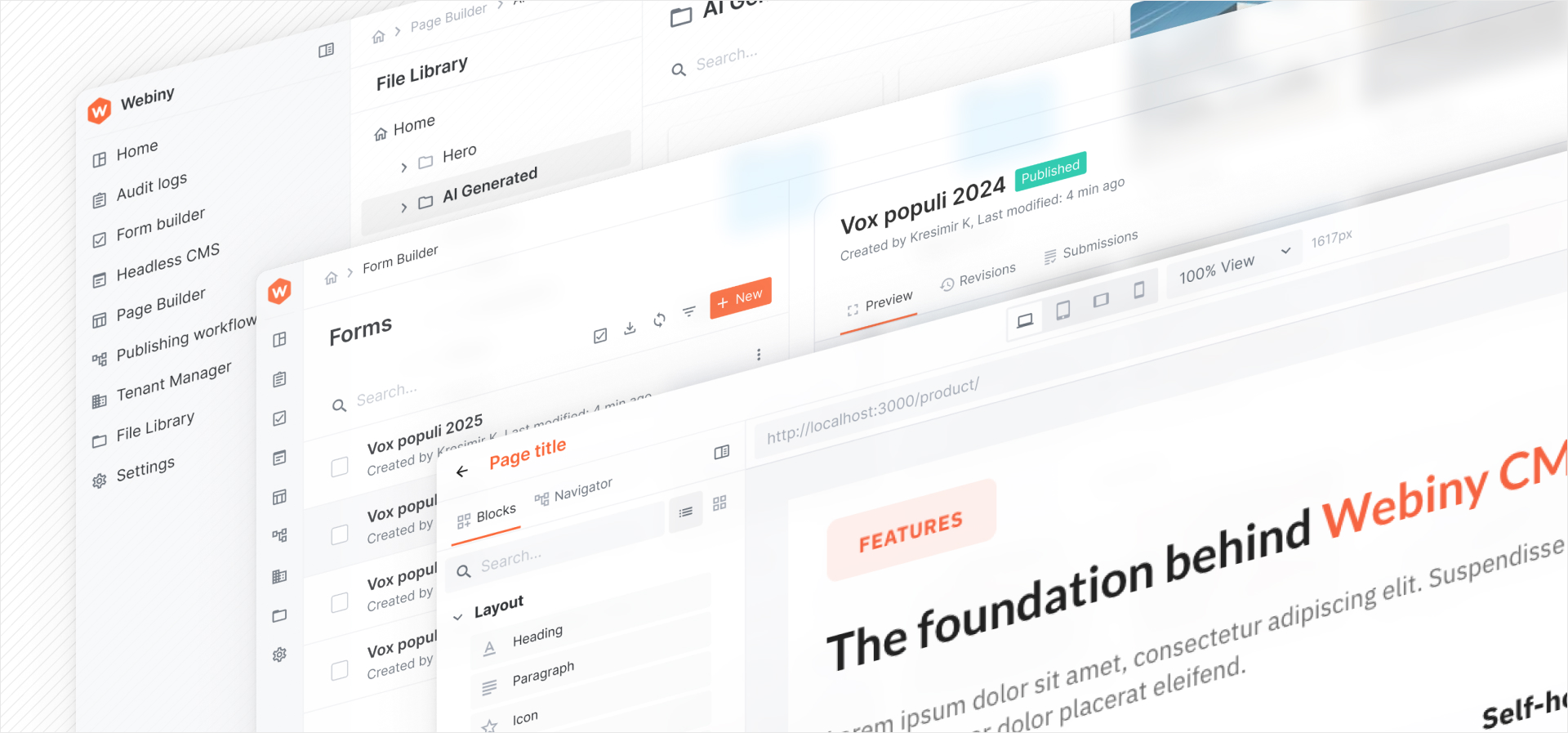
In this lesson, we will explore the fundamentals of Webiny - a content platform with an application framework built for developers and content editorial teams to operate and manage content at scale, no matter the use-case.
In this lesson...
Here are the topics we'll cover
About this course and what will you learn.
Why we created Webiny, what was the need behind it.
Webiny licenses and their differences.
About this course
This is a course for developer and it's designed to provide a comprehensive understanding of Webiny, its apps & architecture, and how to effectively utilize its features for content management, website building and application development. By the end of this course, you will have a solid foundation in Webiny and will be equipped to build and manage content-driven applications and websites.
We structured the course into several chapters, each focusing on different aspects of Webiny. You will learn about its core components, how to set up and configure a Webiny project, and general best practices. All the learning will be done through practical examples and hands-on exercises, so you can apply your knowledge in real-world scenarios.
We encourage you to follow along with the practical examples and exercises provided throughout the course to reinforce your learning. In case you have any questions or need further clarification, feel free to reach out to the Webiny community and support channels. All the details are in the sidebar on the left.
This course is designed to be used alongside the official Webiny documentation. While the course provides a structured learning path, the documentation serves as a comprehensive reference for deeper dives into specific topics and features. If you're new to Webiny, we recommend you start with the course and use the documentation as a supplementary resource.
Prerequisites
To get the most out of this course, it's recommended that you have a basic understanding of the following concepts:
- JavaScript and TypeScript
- React.js
- GraphQL
- Node.js and npm/yarn
- Basic knowledge of AWS and serverless architecture is a plus, but not mandatory.
Why Webiny?
Webiny was created to address the growing need for a flexible, scalable, and developer-friendly content platform that can handle complex content management requirements. We're talking projects with large amounts of content, multiple content types, and complex editorial workflows and deep customization needs.
Webiny aims to fill this gap by providing a modern, scalable architecture that allows developers to build and manage a content platform with ease. Developers can leverage familiar technologies like React and GraphQL, while content editors benefit from a user-friendly interface for managing content.
In the real-world Webiny handles projects with 100's of millions of records, peta-bytes of assets, and thousands of content editors. All while providing a highly reliable, secure and cost-effective solution.
But Webiny is not for everyone. In the next sections, we'll explore when to use Webiny and when it might not be the best fit for your project.
thumb_upWhen to use Webiny?
Webiny is an excellent choice for projects that require:
- Data privacy and control: Webiny is self-hosted so you have full control over your data and infrastructure, allowing you to comply with data privacy regulations and maintain ownership of your content.
- Scalability: Webiny's architecture allows applications to scale automatically based on demand, making it suitable for projects with fluctuating traffic or very large and sudden spikes.
- Customization: Webiny's built-in framework enables developers to customize and extend every part of the platform to meet specific project requirements, both the UI and the API side.
- Operational efficiency: Webiny's features, such as content modeling, page building, content approval workflows, and asset management, streamline content management processes and improve editorial workflows, especially within large and distributed teams.
- Security: Webiny is architected with security in mind, providing features such as role-based access control, folder level permissions, SOC2 compliance, SSO integration and secure content delivery.
- Multi-tenant architecture: Webiny supports multi-tenant setups, making it ideal for organizations managing multiple project from a single instance or for embedding inside existing SaaS products to enrich existing offerings with content management capabilities.
thumb_downWhen not to use Webiny?
These are just some of the examples where Webiny might not be the best fit:
- Simple websites or applications: For small-scale projects with minimal content management needs, a lightweight CMS or static site generator may be more appropriate.
- Limited technical expertise: Webiny requires a certain level of technical knowledge to set up and manage. If your team lacks the necessary skills (React, TypesSript, Node, GraphQL), you may need to invest in training, hire additional resources or work with a Webiny partner.
- Specific technology stacks: If your project relies heavily on technologies that are not compatible with Webiny's architecture or framework, you may need to consider alternative solutions.
- On-premises hosting requirements: Webiny is designed for cloud-based deployments, primarily on AWS. If your project requires on-premises hosting due to regulatory or organizational policies, Webiny may not be suitable.
If you're still unsure whether Webiny is the right fit for your project, we recommend reaching out to the Webiny community or consulting with a Webiny expert. They can help you evaluate your specific requirements and provide guidance on the best solution for your needs.
Webiny licenses
Webiny is available under a dual-license model, offering both an open-source Community Edition and a commercial Enterprise Edition. This approach allows users to choose the version that best fits their needs, whether they require basic content management capabilities or advanced features and support for enterprise-level applications.
The Community Edition of Webiny is open-source and available under the MIT License (GitHub). This edition provides a solid foundation for building content-driven applications and websites, including core features such as the Headless CMS, Website Builder and File Manager. The Community Edition is ideal for small to medium-sized projects, individual developers, and teams looking for a cost-effective solution with the flexibility to customize and extend the platform.
The Enterprise Edition of Webiny is a commercial offering that includes additional features, enhancements, and support tailored for enterprise-level applications. This edition is designed to meet the needs of large organizations and projects with complex content management requirements. Key features of the Enterprise Edition include advanced security and compliance features (SOC2, SSO, RBAC), performance optimizations, priority support, and access to exclusive plugins and integrations. The Enterprise Edition is suitable for businesses that require a robust, scalable, and secure content platform with dedicated support and services.
When deciding between the Community and Enterprise Editions of Webiny, consider factors such as your project's size, complexity, budget, and specific feature requirements. If you're unsure which edition is best suited for your needs, we recommend reviewing our pricing page, or reaching out to the Webiny sales team for guidance.
The large majority of lessons and features discussed in this course are based on the Community Edition of Webiny. However, we'll actually install a free tier of the Enterprise edition to demonstrate the full capability of the platform. In cases where features are specifict to the Enterprise edition, we'll make sure to clearly indicate that in the lesson.