Webiny Applications
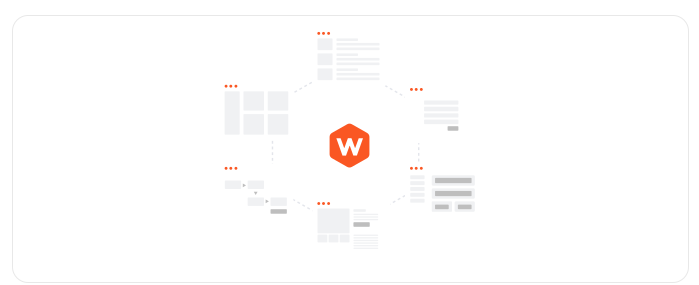
Webiny is a comprehensive content platform that includes a variety of built-in applications designed to address different content management and website building needs. In this lesson, we will provide an overview of the main Webiny applications and their key features.
In this lesson...
Here are the topics we'll cover
Overview of the Headless CMS application.
Overview of the Website Builder application.
Overview of the File Manager application.
Overview of the Publishing Workflow application
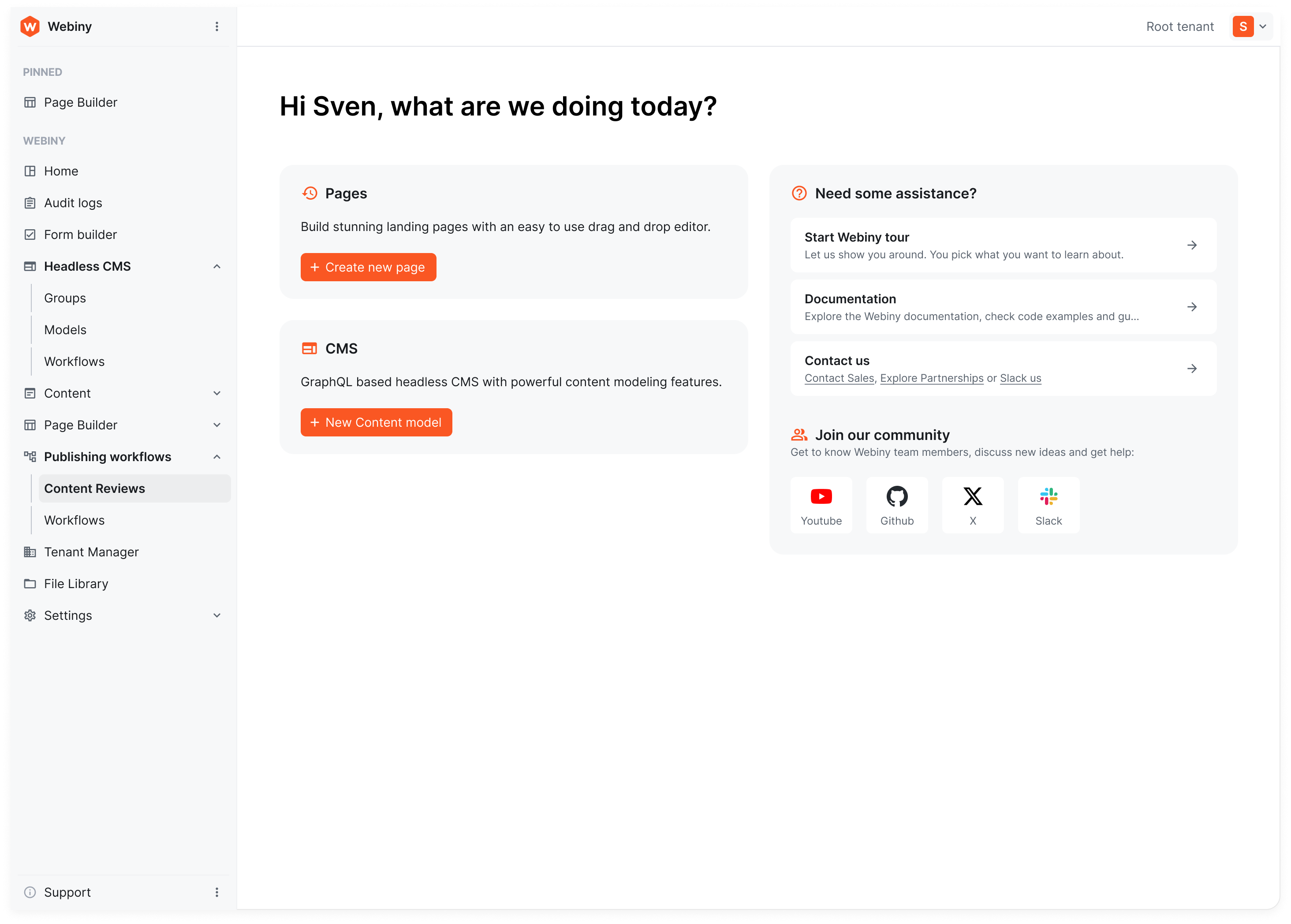
Overview of the Webiny Admin application
Headless CMS
The Headless CMS is the core content management application in Webiny. It allows you to create, manage, and deliver content through a flexible GraphQL API. The CMS supports custom content models, versioning, localization, and more.
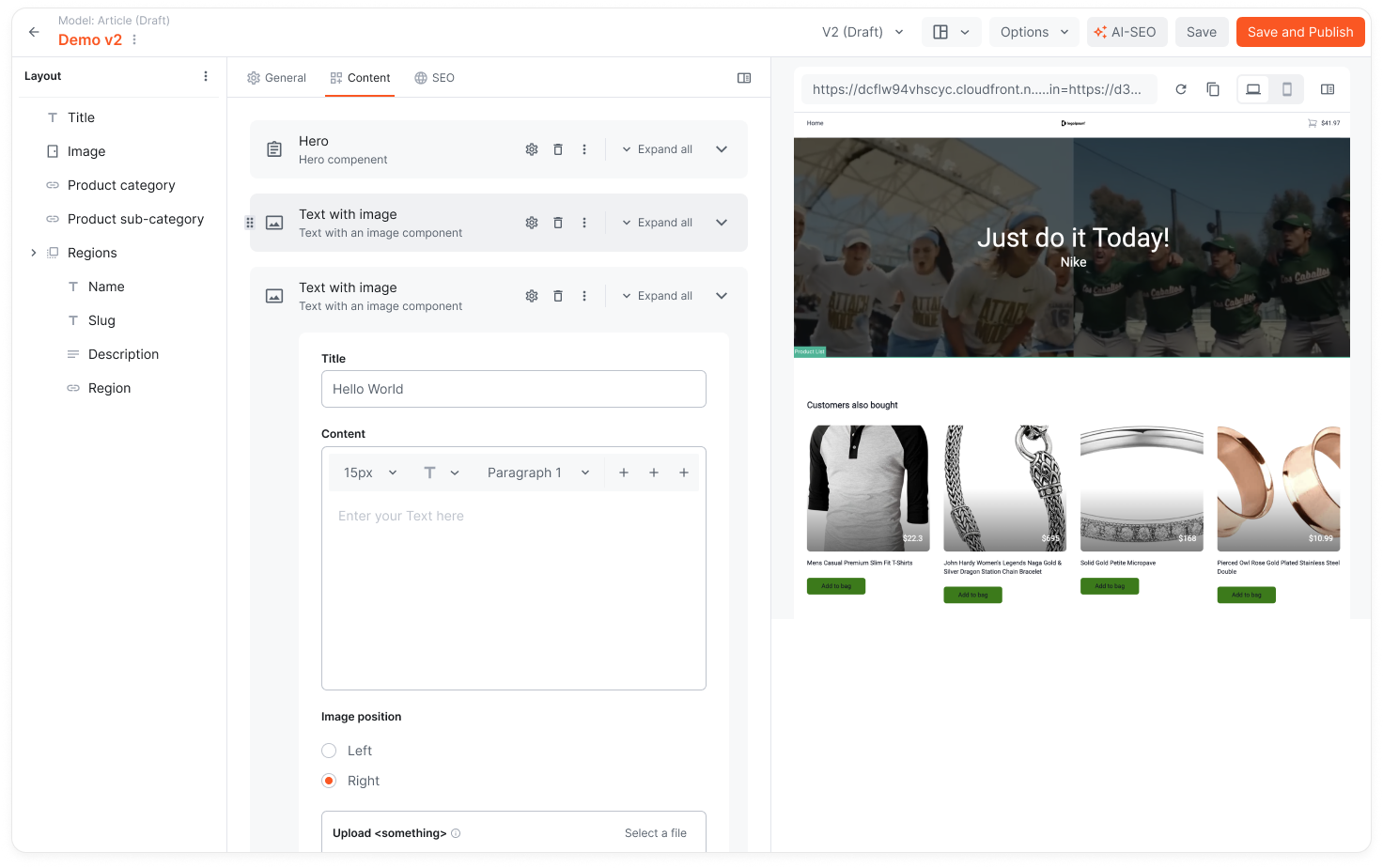
Some of the key features of the Headless CMS include:
- Content editors can easily create and manage content using the intuitive admin interface, while developers can fetch and manipulate content programmatically via the GraphQL API.
- Content models define the structure of your content, including fields, relationships, and validation rules. You can create custom content types to suit your specific needs.
- Content models can be created through the Webiny Admin via the UI editor or programmatically through code using the Webiny Framework.
- Integrates with other Webiny applications, such as the Website Builder, File Manager and Publishing Workflows, to provide a seamless content management experience.
In the dedicated Headless CMS chapter, we will dive deeper into its features and capabilities.
The Headless CMS serves as the core data storage layer for Webiny. Other applications, such as the Website Builder, rely on the Headless CMS to store and manage their content. This centralized approach ensures consistency and simplifies content management across different applications within the Webiny platform. In later lessons you'll learn how to leverage the Headless CMS as a data layer for your custom applications built with the Webiny Framework.
Website Builder
The Website Builder enables you to create and manage websites using a visual drag-and-drop interface. It comes with an SDK through which you can create custom page elements and control your theme. Pages can be rendered through an external frontend application that is stack agnostic. Webiny provides a NextJs-based starter project that you can use as a foundation for your website.
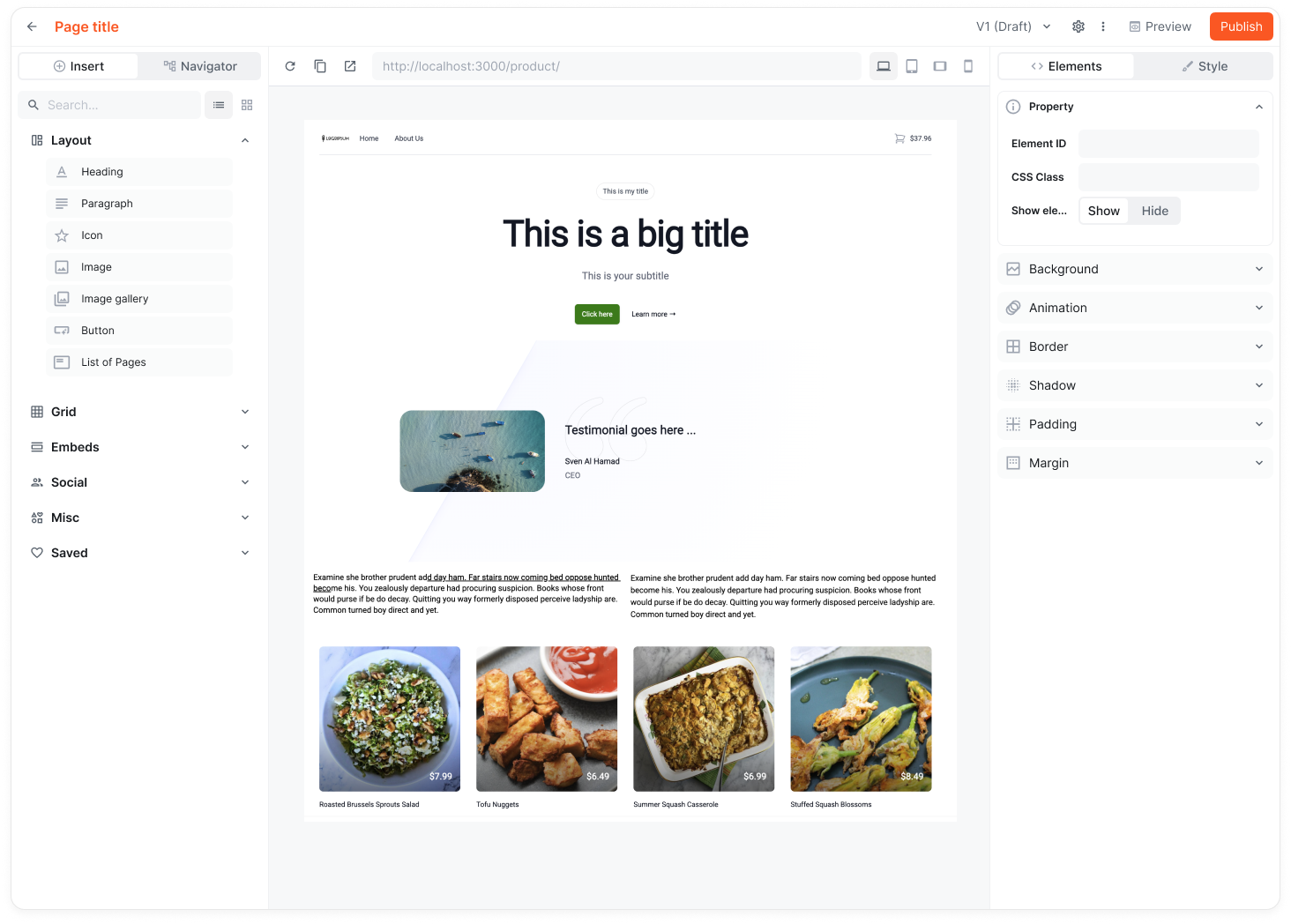
Some of the key features of the Website Builder include:
- A visual page editor that allows content editors to create and customize pages without any coding knowledge.
- Works great with the Headless CMS or any other 3rd party API, allowing you to easily integrate dynamic content into your pages.
- Designed for performance, ensuring fast load times and optimal user experience as well as great SEO.
- Great solution for both static and dynamic websites.
- Supports themes and templates, enabling you to maintain a consistent look and feel across your website.
- Extensible through the Webiny Framework, allowing developers to create custom page elements and functionality.
- Integrates with other Webiny applications, such as the File Manager and Publishing Workflows, to provide a comprehensive website management solution.
File Manager
The File Manager is a dedicated application for managing and organizing your digital assets, such as images, videos, and documents. It provides a user-friendly interface for uploading, categorizing, and searching for files.
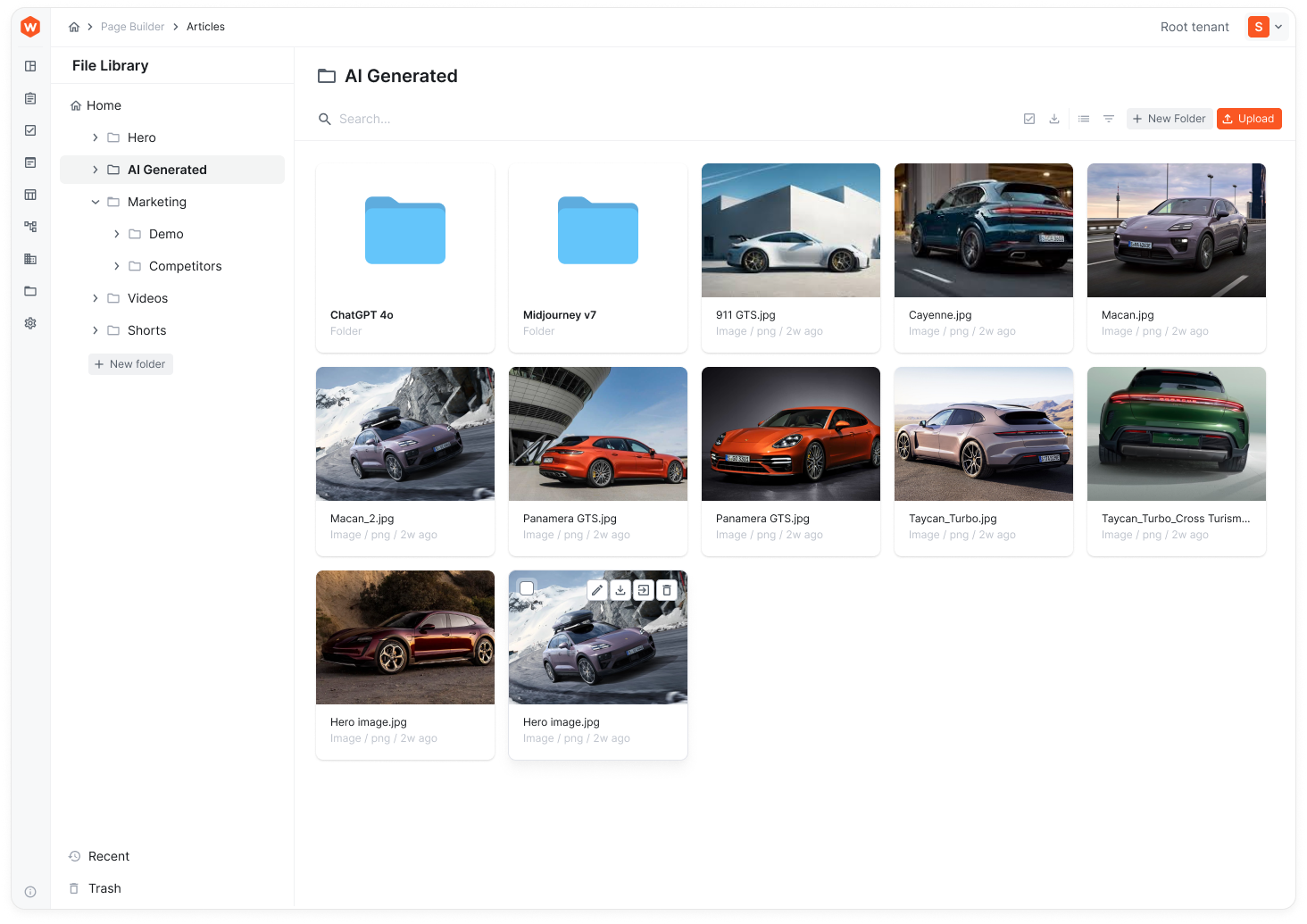
Some of the key features of the File Manager include:
- A simple and intuitive interface for uploading and managing files.
- Supports various file types, including images, videos, documents, and more.
- Organize files into folders and subfolders for easy navigation and management.
- Ability to add custom metatags to files for better organization and searchability.
- Exabtyte-scale storage capabilities, allowing you to manage large volumes of digital assets.
Publishing Workflows
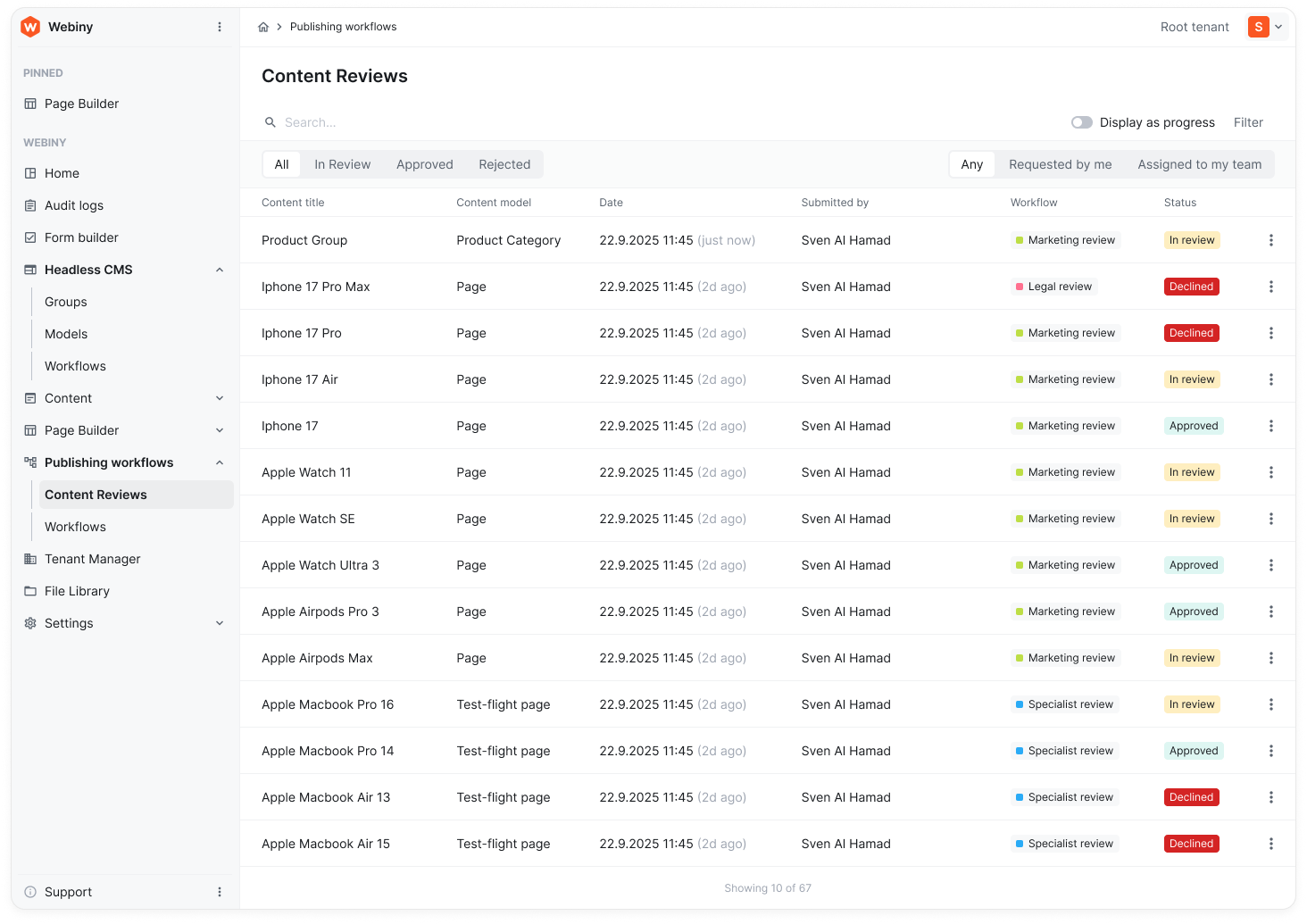
The Publishing Workflows application provides a robust system for managing content approval and publishing processes. It allows you to define custom workflows that suit your editorial needs, ensuring that content goes through the necessary review stages before being published.
Webiny Admin
The Webiny Admin is the central interface for managing all aspects of your Webiny instance. It provides access to all Webiny applications, settings, and configurations. Every application we've discussed so far is accessible through the Webiny Admin. As such Webiny Admin is also a standalone application built using the Webiny Framework, which you can customize, whitelabel and extend to suit your needs.