Parts that make Webiny
Webiny is a comprehensive content platform that consists of several key components, each designed to handle specific aspects of content management and application development. In this lesson, we will explore the main parts that make up Webiny and how they work together to provide a seamless experience for both developers and content editors.
In this lesson...
Here are the topics we'll cover
Core components that make up Webiny.
Core Components of Webiny
Webiny is built on a foundation of several core components that work together to provide a robust and flexible content platform. Unlike many other platforms that are monolithic in nature, Webiny is designed from the ground up to be modular and extensible so that it can support even the most complex projects and use-cases. Developers can modify Webiny's functionality as needed in a maintainable and upgradable way, so things don't break between updates.
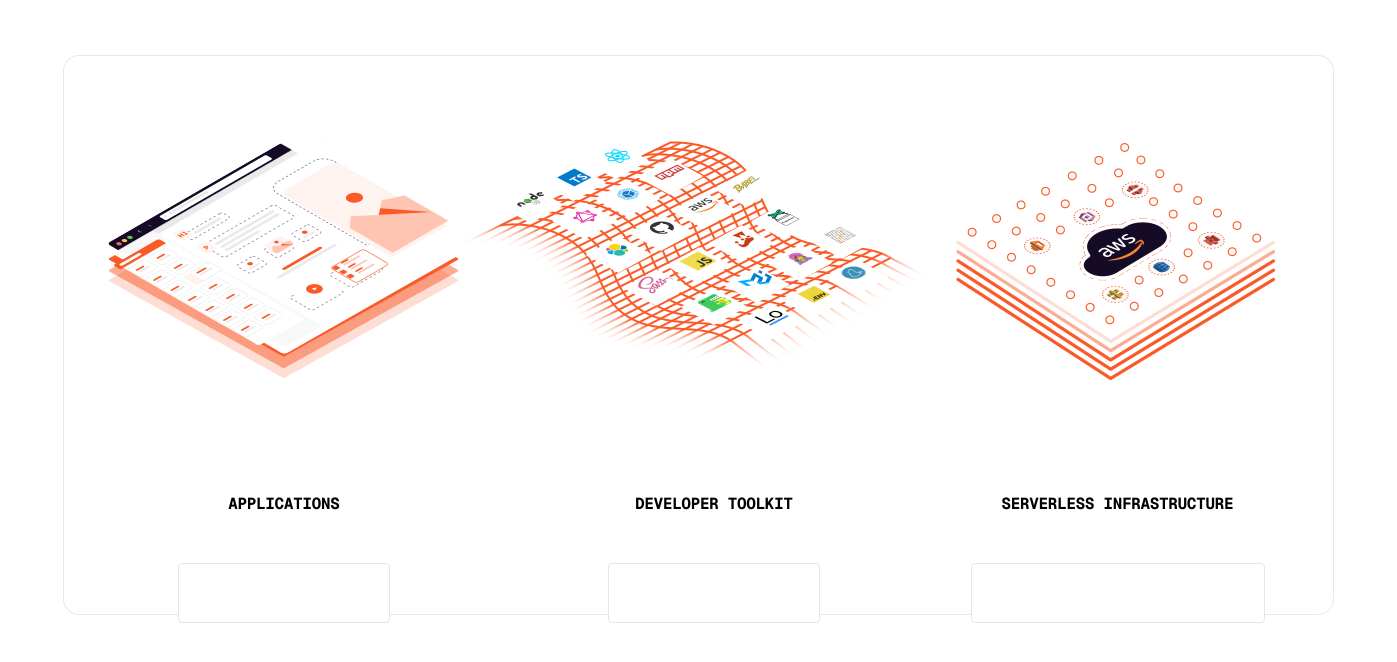
The core components that make up Webiny include:
- Applications: Webiny comes with a set of applications that cater to different content management needs, such as the Headless CMS, Website Builder, File Manager, Publishing Workflows, and a few more.
- Developer toolkit: The core of the developer toolkit is the Webiny Framework — the foundation that powers Webiny. It gives you everything you need to build custom applications that plug directly into Webiny - its Admin app and backend services, as well as extend or modify the platform’s built-in features.
- Infrastructure: Webiny uses Infrastructure as Code principles to define the cloud infrastructure required to run the platform. You don't need to setup or manage any servers, databases, or other infrastructure components manually. Webiny takes care of all that for you, allowing you to focus on building your applications. The whole deployment process is fully automated and done within your own AWS account.
Besides these core components, Webiny also includes a set of developer tools and utilities that facilitate the development process, such as the Webiny CLI, which helps with project setup, deployment, management, scaffolding, CI/CD integration, and more.